Gmail Security Best Practices
Protect your account with strong passwords, enable two-factor authentication, and be wary of suspicious emails.
In today's digital age, securing your Gmail account is more critical than ever. Cyber threats have become increasingly sophisticated, making it imperative for users to adopt robust
account security measures. This blog post dives into the best practices for maintaining the security of your Gmail account with actionable advice that anyone can follow.
Understanding Gmail Security
Gmail security encompasses various aspects of protecting your email information, from your password to the devices you use. The Gmail platform offers a plethora of security features designed to keep your data safe.
Being proactive about securing your account can help you avoid falling victim to common threats like phishing attacks and unauthorized access. Implementing security measures ensures that your emails remain private and protected.
Begin with Strong Passwords
One of the fundamental steps in ensuring account security is creating a strong password. It should be a mix of uppercase and lowercase letters, numbers, and special characters. Avoid using easily guessed information such as birthdays or common words.
Consider utilizing a password manager to generate and store complex passwords securely. This can help you create unique passwords for different accounts, minimizing the chances of a single compromised password affecting multiple accounts.
Enable Two-Factor Authentication
Implementing two-factor authentication (2FA) is one of the most effective ways to bolster security on your Google account. This added layer of security requires more than just your password. When logging in, you'll need to enter a verification code sent to your phone or generated by an authentication app.
This method significantly reduces the risk of unauthorized access, even if someone manages to guess or steal your password.
Be Cautious of Phishing Scams
Phishing remains a prevalent danger online, and Gmail users should be vigilant. Always scrutinize emails that request personal information or direct you to unfamiliar websites.
Legitimate companies will never ask for sensitive information via email. Look for signs of phishing, such as grammatical errors or suspicious URLs. Use Gmail’s spam filtering features to ensure that potential phishing emails are flagged and directed to your spam folder.
Utilize Email Encryption
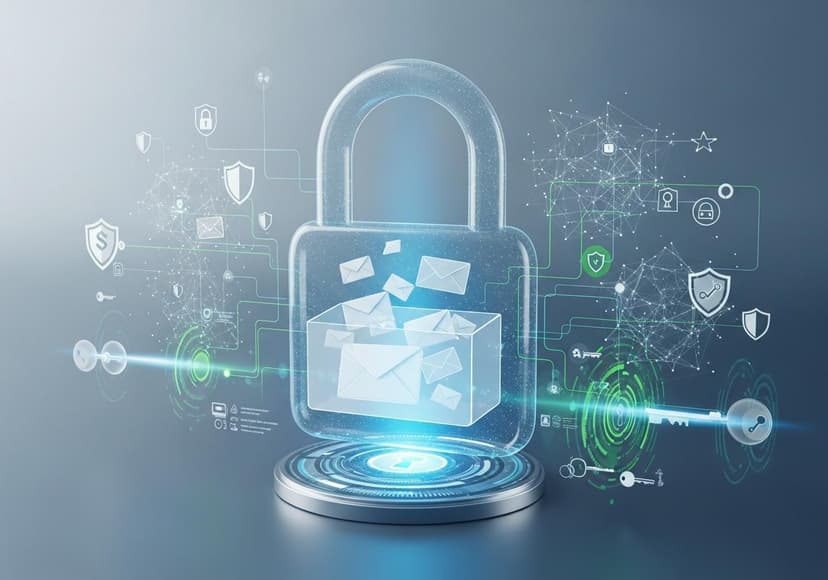
In a world where data breaches are commonplace, email encryption adds another layer of protection to your communications. Gmail offers a built-in feature for email encryption, but you can enhance privacy further with third-party tools.
Such tools ensure that only the intended recipient can read your messages, making it significantly harder for hackers to access sensitive information.
Activate Security Settings
Your Gmail security settings are a vital aspect of protecting your account. Regularly review these settings to ensure you are making the most of available security measures.
Gmail offers options to manage devices that have access to your account. You can sign out of sessions and review your account activity, making it easier to spot potentially suspicious access.
Boost Security with Anti-Malware Protection
Another essential aspect of Gmail security is having proper malware protection in place on your devices. Invest in reliable antivirus software to safeguard your computer from harmful attacks and viruses.
For added security, regularly scan your system for malware and ensure your software is updated to the latest versions for optimal protection.
Use Data Encryption Wisely
Data security is crucial, and data encryption is a powerful method of protecting sensitive information. It converts your data into an unreadable format, ensuring that even if it is intercepted, it cannot be accessed without the proper decryption key.
Gmail provides some inherent data encryption but consider utilizing additional tools for more sensitive information. Encrypt sensitive documents before sending them through email to enhance your overall security.
Stay Updated on Spam Filtering
Using spam filtering features effectively is essential in maintaining your inbox security. Gmail automatically sorts emails based on their likelihood of being spam, but users can also create their own filters.
You can manage settings to block or redirect emails from specific addresses or those containing suspicious keywords. This helps in keeping unwanted emails away from your inbox. For a detailed guide on setting up Gmail filters and labels, check out this guide.
Regularly Review Account Activity
If you spot any unauthorized activity, take action immediately by changing your password and enabling two-factor authentication.
Keep Devices Secure
Ensuring the security of your devices is a crucial aspect of overall account security. Make sure to run the latest software updates on your devices, as they often contain important security patches.
Utilizing a secure and private Wi-Fi connection is also paramount when accessing your Gmail account. Public Wi-Fi can be a hotspot for hackers
and always enable the firewall on your devices to prevent unauthorized access.
Setting Up Your Gmail Account Securely
If you're new to Gmail or looking to enhance your security, proper account setup is vital. A secure setup entails implementing all the discussed practices right from the start.
Through secure account creation and configuration, you can minimize risks and enjoy a safer email experience.
The Aftermath of a Breach
The feeling of knowing your Gmail account is compromised is unsettling. If you suspect unauthorized access or a security breach, immediately change your password and check your security settings.
In case of significant data theft, you may want to consider notifying contacts about potential phishing attempts using your account. Promptly freeing your account from the breach is essential to mitigate risks.
Conclusion
In conclusion, maintaining Gmail security is imperative in today’s digital landscape. By implementing a combination of strong passwords, two-factor authentication, email encryption, and stringent security settings, you can protect your account from threats.
Take the time to review and adopt these practices. Securing your Gmail account is not just about avoiding risks but also about ensuring peace of mind while you communicate online. For further guidance, see this Gmail account setup guide to help solidify your security defenses.
Posts Relacionados

10 Kilowatt Solar Battery Pricing
Find competitive prices for a 10kw solar battery. Explore options and understand cost factors.
5G Availability By Zip Code
Examine zip codes to see where 5G is accessible. Coverage varies based on location; explore now for insights.

5G Tower Locations
Determining the nearest sites involves pinpointing infrastructure for enhanced connectivity and high-speed mobile data transmission.