Antivirus Necessity For Chromebooks
Chromebooks offer inherent security, but understand if antivirus is truly needed based on your usage and threat awareness.
Understanding Chromebook Security
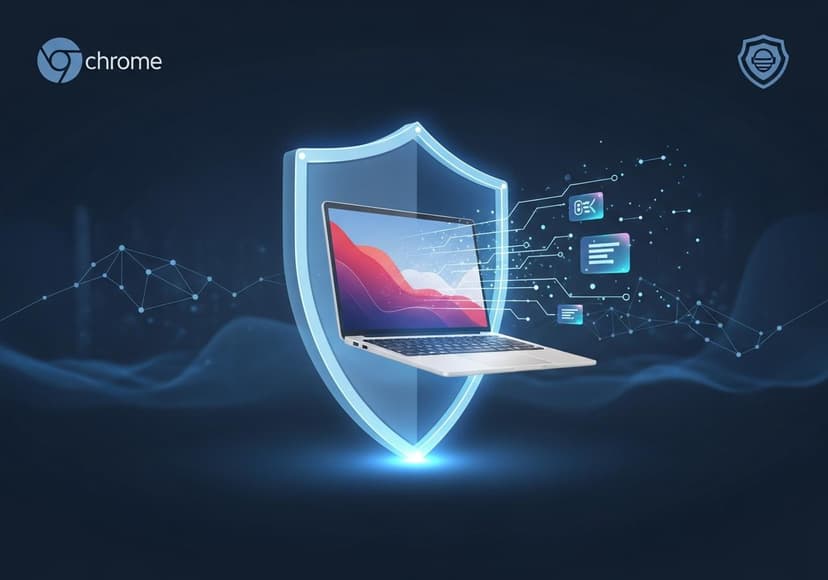
Chromebooks have taken the tech world by storm with their simplicity and ease of use. They are lightweight, affordable, and perfect for browsing the web. But when it comes to internet security, there's a lot of misinformation out there. Many users question whether they need antivirus software for these devices. After all, Google Chrome OS is designed to be secure, right? Well, let’s dive deeper into the core of Chromebook security, and examine if you should consider implementing additional layers of protection.
Why is Antivirus Software Important?
Cybersecurity is more important than ever due to the rise of cybersecurity threats like malware, phishing scams, and identity theft. Chromebooks, although inherently more secure than traditional PCs, still face these threats. While the likelihood of a Chromebook getting infected by malware might be lower, that doesn't mean that data privacy is guaranteed. Users must be proactive about their online safety to protect their personal information and ensure their browsing experience stays secure.
Common Cybersecurity Threats
One of the most common threats faced by Chromebook users are phishing scams. These scams fool users into providing personal information by mimicking legitimate websites. A single slip could lead to a severe breach of your data privacy. Additionally, Chrome OS may not be immune to certain forms of malware, especially those targeting extensions or downloaded files. Hence, implementing some form of malware protection is advised to keep your data and device safe.
Do You Need Antivirus for Your Chromebook?
The answer isn't black and white. If you're using your Chromebook solely for browsing and attending meetings, you might not need antivirus software. However, if you download files, install extensions, or access sensitive information, then taking steps for your online safety is a must. Refer to this insightful article on whether you need antivirus for Chromebook for a more thorough exploration of this topic.
Benefits of Antivirus Software
Using antivirus software offers multiple advantages, including comprehensive malware protection, vulnerability assessment, and monitoring for data breaches. These tools actively scan your device in real time to detect any potential threats. Furthermore, antivirus solutions can enhance your system performance by identifying and eliminating unnecessary files that could slow your device down. Thus, investing in good internet security not only protects you but also keeps your Chromebook running efficiently.
Privacy Protection and Secure Browsing
Privacy protection is another crucial aspect of using antivirus software. While browsing, it’s essential to ensure that your activities are not being tracked and that your personal information remains private. A solid antivirus solution often provides features like a VPN (Virtual Private Network) that aids in secure browsing, thereby adding another layer of safety when using your Chromebook. With the constant rise in online threats, having reliable privacy protection can make a significant difference in maintaining control over your data.
Regular Vulnerability Assessments
Regular vulnerability assessments should be part of your security routine, even for Chromebooks. This includes keeping your system updated, managing extensions, and reviewing permissions. A good antivirus program helps automate this process, alerting you to any weaknesses in real time. Check out this article for a thorough rundown on what type of antivirus you might need for a Chromebook: What Antivirus Do I Need for Chromebook?
Maintaining System Performance
One common misconception is that antivirus software slows down your system. While some do hog resources, many modern antivirus tools are lightweight and specifically designed to operate smoothly on Chromebooks. These tools should enhance, not hinder, your overall experience by keeping unwanted applications and files at bay. Optimizing system performance while ensuring your data remains secure should be a key priority for every Chromebook user.
Staying Informed About New Threats
The cyber landscape is continuously changing, making it vital for users to stay informed about new cybersecurity threats. New phishing tactics, ransomware variants, and other attack methods emerge frequently. By utilizing antivirus software that provides regular updates or monitoring for emerging threats, you can bolster your internet security. Understanding how these threats operate helps you become a more proactive internet user.
Conclusion: Step Up Your Security Game
In conclusion, while Chromebooks are more secure than many alternatives, they are not impervious to threats. Implementing antivirus software can significantly bolster your online safety, ensuring privacy protection and peace of mind. With rising user dependency on online platforms, prioritizing internet security is no longer optional—it's a necessity. Assess your usage patterns, determine your risk tolerance, and take the necessary steps to secure your online life.
For more insights on the necessity of antivirus for Chromebooks, you can check another resource here: Is Antivirus Necessary for Your Chromebook?
Posts Relacionados

10 Kilowatt Solar Battery Pricing
Find competitive prices for a 10kw solar battery. Explore options and understand cost factors.

5G Availability By Zip Code
Examine zip codes to see where 5G is accessible. Coverage varies based on location; explore now for insights.

5G Tower Locations
Determining the nearest sites involves pinpointing infrastructure for enhanced connectivity and high-speed mobile data transmission.